Draftd product
Signed on the page they read it on
Your client reads the proposal or statement of work on a page in your branding, types their name, confirms they have authority and signs. Draftd records who signed, when, from what browser and what address. You can countersign, and a signed document cannot be edited or deleted.
- No account or password for the client
- Name, email, time, browser and IP recorded
- You are emailed the moment they sign
The problem
Agreeing is easy. Getting it signed is not
A separate signing tool
You write in one place, upload to another and pay for both, and the client gets two emails about one decision.
A yes by email
“Looks good, go ahead” is pleasant to read and not much use when the scope is questioned three months later.
Finding out by accident
The client signed on Friday night. You notice on Tuesday, and the kick-off slips by a week.
What it does
What signing in Draftd covers
Signed in the browser
The client types their name, confirms they have authority to agree and signs. Draftd records their name, email, the time, their browser and their IP address, and keeps it on the contact too.
Countersigned and final
Sign it back and both signatures sit on the document with their times. Once signed it cannot be edited or deleted, so what was agreed stays agreed.
Let them choose a package
Offer two or three packages. The client picks one as they sign, and the total and payment schedule follow from their choice, worked out by the server.
Told the moment they sign
Every admin on the account is emailed the moment a client signs, with the package they chose, so the work can start the same day.
Read, and on record
Audits and reports are not contracts. The client acknowledges them instead, which records that they were read without asking anyone to agree to anything.
In the app
Signed, countersigned and on the record
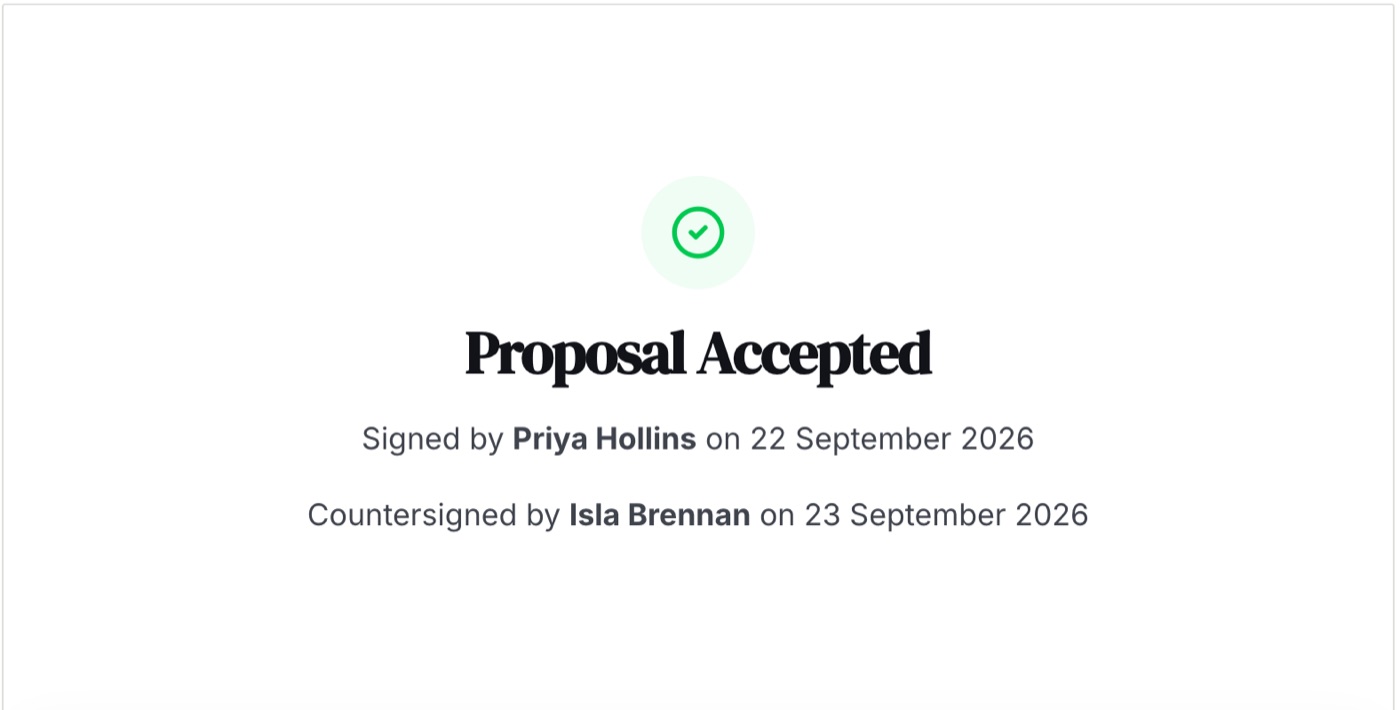
Once both of you have signed, the document says so at the foot, with names and dates, and it cannot be edited or deleted after that.
What you would send
What gets signed, and what gets acknowledged
Proposals and statements of work are signed. Audits and reports are acknowledged. All four live in the same account.
- Proposal with three packages to choose from
- Statement of work for an agreed scope
- Retainer proposal with monthly billing
- Change of scope, countersigned
- Audit acknowledged by the client
- Quarterly report, read and on record
How it works
From the call to the deposit, in one link
What actually happens, in order, from the first brief to the money arriving.
Tell it about your business
Your services and prices, your tone and the words you never use. Ten minutes, once, and it is the difference between a document that sounds like you and one that sounds like everybody.
Write the document
Paste a call transcript or answer a short brief, pick a structure, and a full draft comes back in about a minute. Edit anything. Nothing is locked.
Send it from you
The client gets a link to a page in your branding. Replies come to you, and you see when it is opened and how often.
They sign in the browser
No account and no printer. They choose a package if you offered more than one, type their name and sign, and you get an email the moment they do.
The deposit is paid on the same page
By card straight into your Stripe account, or by bank transfer. The rest of the payments, and any retainer, are tracked in Cashflow until they arrive.
Which plan
From £19 a month, free for 14 days
Signing, countersigning and notifications are on every plan, including Starter. Pick a plan by how many documents you send a month and how many people need a login.
Questions
Questions about e-signatures
Does my client need an account to sign?
No. They open a link, read the document on a page in your branding and sign there. There is no account and no password.
What does Draftd record when a client signs?
The name they typed, their email address, the time, their browser and their IP address, along with their confirmation that they have authority to agree. The record sits on the document and on the contact.
Can anything change after it is signed?
No. A signed document cannot be edited or deleted. If the work changes, send a new document and have that signed.
Why are audits and reports acknowledged rather than signed?
There is nothing in them to agree to. Acknowledging records that the client read it, which is what you need when a finding or a result is discussed later.
What does it cost?
E-signatures are included on every plan. Plans start at £19 a month with 14 days free, and there is no charge per signature.
Get the next yes in writing, on the same page
14 days free on every plan, then from £19 a month. Cancel before the trial ends and you pay nothing.
Start your free trialCard up front, nothing charged for 14 days.